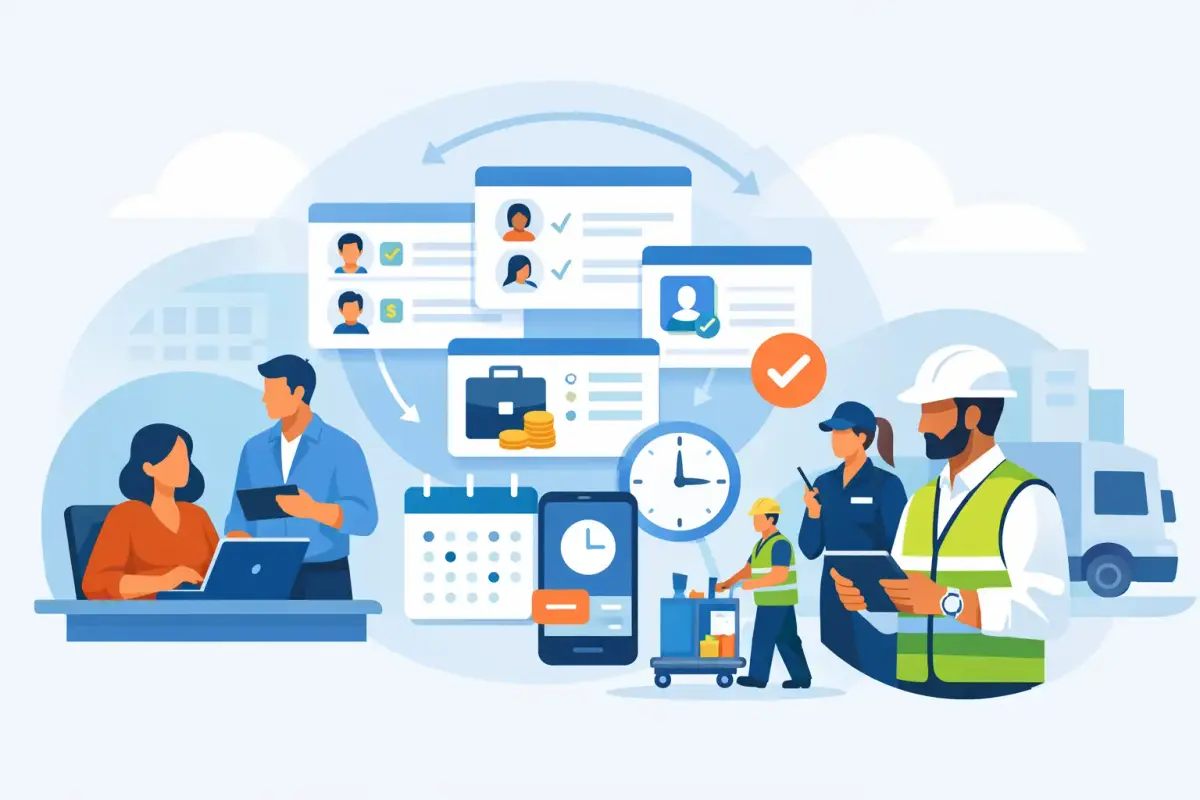
A leave request sitting in an inbox, a missing timesheet before payroll cutoff, and a manager chasing attendance corrections are not separate HR problems. They are signs that information is moving manually between people, spreadsheets, and systems. Learning how to automate HR workflows means connecting those moments into clear, repeatable processes that move work forward without constant follow-up.
For growing businesses, the goal is not to automate every interaction. It is to remove repetitive administration while keeping the right people involved in decisions. A practical HR workflow gives employees self-service, gives managers visibility, and gives HR and finance reliable records when they need them.
Start With the Work That Causes Daily Delays
The best automation project starts with the workflows creating the most friction, not with the longest feature list. Look at where HR teams re-enter data, managers wait for updates, or employees repeatedly ask for status. Those are usually the processes with the clearest return.
For many companies, leave requests, attendance exceptions, timesheet approvals, claims, employee document collection, and payroll changes are the right starting points. In field-based operations, shift assignments, site attendance, overtime review, and missing clock-ins may be even more urgent.
Map each process as it works now. Identify who starts it, what information they provide, who must review it, what rules apply, and where the final record belongs. This often exposes the real issue: a process may not be slow because people are unresponsive. It may be slow because no one knows who owns the next step.
Avoid automating a confusing process exactly as it is. Simplify it first. If three approvals exist only because no one trusts the data, improving the source data may be more valuable than adding a fourth approval notification.
How to Automate HR Workflows Step by Step
1. Centralize employee and workforce data
Automation depends on dependable data. When employee records, leave balances, shifts, attendance logs, salary details, and documents live in separate files, every workflow begins with checking which version is correct.
Use one HR platform as the operating record for employee information. This creates a consistent foundation for approvals, reports, payroll inputs, and employee self-service. It also reduces the need for HR to answer basic questions about leave balances, schedules, or document status.
For companies with office and site-based teams, centralization should cover operational data as well. A manager should not need one system to see scheduled shifts and another to confirm who actually worked at a location.
2. Define triggers and approval paths
A workflow needs a clear event that starts it. An employee submits a leave request. A worker clocks in outside an approved area. A manager approves overtime. A salary adjustment is entered. Once the trigger is defined, the system can route the request to the right person automatically.
Approval paths should reflect actual responsibility. A standard leave request may go to the direct manager, while a leave request that conflicts with a shift schedule may also need operations visibility. A claim may require a manager review before finance approval. The right path depends on the transaction, amount, employee group, location, or department.
Keep approval chains as short as practical. More reviewers may feel safer, but they often create bottlenecks and unclear accountability. Use escalation rules instead: if an approver does not respond within a defined period, the request can move to a backup manager or be flagged for HR.
3. Give employees and managers self-service
Self-service is one of the most useful forms of HR automation because it removes routine back-and-forth. Employees can submit leave requests, upload documents, view attendance records, make approved profile updates, and track request status from mobile or desktop access. Managers can approve requests, review team attendance, and address exceptions without relying on HR as the messenger.
This does not mean employees should be able to change every record freely. Use permissions. Employees should access their own information, managers should see relevant team data, and HR or finance should retain control over sensitive payroll and policy-related fields.
For companies with mobile workforces, mobile access matters even more. A field employee who can clock in from an approved site and submit a request immediately creates a more accurate record than an employee reporting details later through a supervisor.
4. Automate attendance and shift exceptions
Attendance is often where manual work grows fastest. A small number of employees can be tracked in a spreadsheet. Hundreds of employees across multiple locations, shifts, and schedules cannot be managed reliably that way.
Set up fixed or variable shifts, expected working hours, break rules, and overtime thresholds in the system. Then use attendance data to identify exceptions automatically, such as late arrivals, early departures, missed clock-ins, or unapproved overtime. The manager receives a focused exception list rather than sorting through every attendance record.
Mobile clock-in/out, geofencing, and face recognition can add control where location verification matters. These tools should fit the workforce and the work environment. An office team may only need simple clock-in/out. Security, cleaning, maintenance, logistics, or construction teams may need site-level visibility and more reliable verification.
5. Connect approved data to payroll preparation
Payroll automation is not about removing review. It is about reducing manual collection, repeated calculations, and preventable data-entry errors. Once attendance, approved overtime, unpaid leave, salary adjustments, and approved claims are captured in one system, the payroll team can work from structured data instead of chasing inputs across departments.
Build a defined payroll cutoff process. Managers review outstanding timesheets and attendance exceptions before the cutoff. HR confirms approved leave and employee changes. Finance reviews the final payroll inputs. Automated reminders are useful here because a late approval can affect an entire payroll cycle.
For UAE businesses, choose a platform that supports UAE WPS payroll requirements and helps keep payroll records organized. The system should support accuracy and process control, while your team remains responsible for reviewing payroll outputs and meeting applicable requirements.
6. Use notifications for action, not noise
Notifications are valuable only when they help someone make a decision or complete a task. Sending every update to every manager creates alert fatigue, and people eventually ignore messages that matter.
Set notifications around meaningful events: a request waiting for approval, a missing timesheet near cutoff, an employee absent from a scheduled shift, an expiring document, or a payroll input that needs review. Give each notification a clear owner and a practical next action.
Measure Whether Automation Is Actually Working
The first sign of success is not how many workflows you configure. It is whether the team spends less time chasing, correcting, and re-entering information.
Track the average approval time for leave, claims, and timesheets. Review the number of attendance corrections, late payroll inputs, and employee questions handled manually. Compare payroll preparation time before and after centralizing approved data. For operational teams, measure missing clock-ins, unresolved shift exceptions, and overtime approvals by site.
These numbers help you improve workflows gradually. If leave requests are fast but payroll still requires manual adjustments, the issue may be attendance rules or the timing of approvals. If managers approve everything late, the workflow may need mobile access, reminders, or a backup approver.
Common Mistakes to Avoid
The most common mistake is trying to automate every process at once. This overwhelms HR teams and makes it difficult to tell which changes are producing results. Begin with one or two high-volume workflows, stabilize them, then expand.
Another mistake is treating automation as a replacement for process ownership. Systems can route requests and apply rules, but managers still need to review exceptions and HR still needs to maintain accurate policies and employee data.
Finally, do not choose a system that forces your operation into an overly rigid model. A growing office-based business may need simple approval flows today. A company with multiple sites, rotating shifts, and field teams may need more flexible attendance, timesheet, and operational controls. The right platform should support both without turning routine work into a technical project.
Build a Simpler HR Operating Model
Effective HR automation connects the employee request, manager decision, attendance record, and payroll input in one controlled process. It replaces reminders, paper forms, and spreadsheet updates with visible actions and dependable records.
Mowazaf helps UAE and GCC businesses automate leave, attendance, shifts, timesheets, claims, approvals, and payroll workflows in one simple platform, with Arabic and English support for real workforce operations. Start with the process that creates the most daily pressure, prove the improvement, and let each successful workflow make the next one easier.