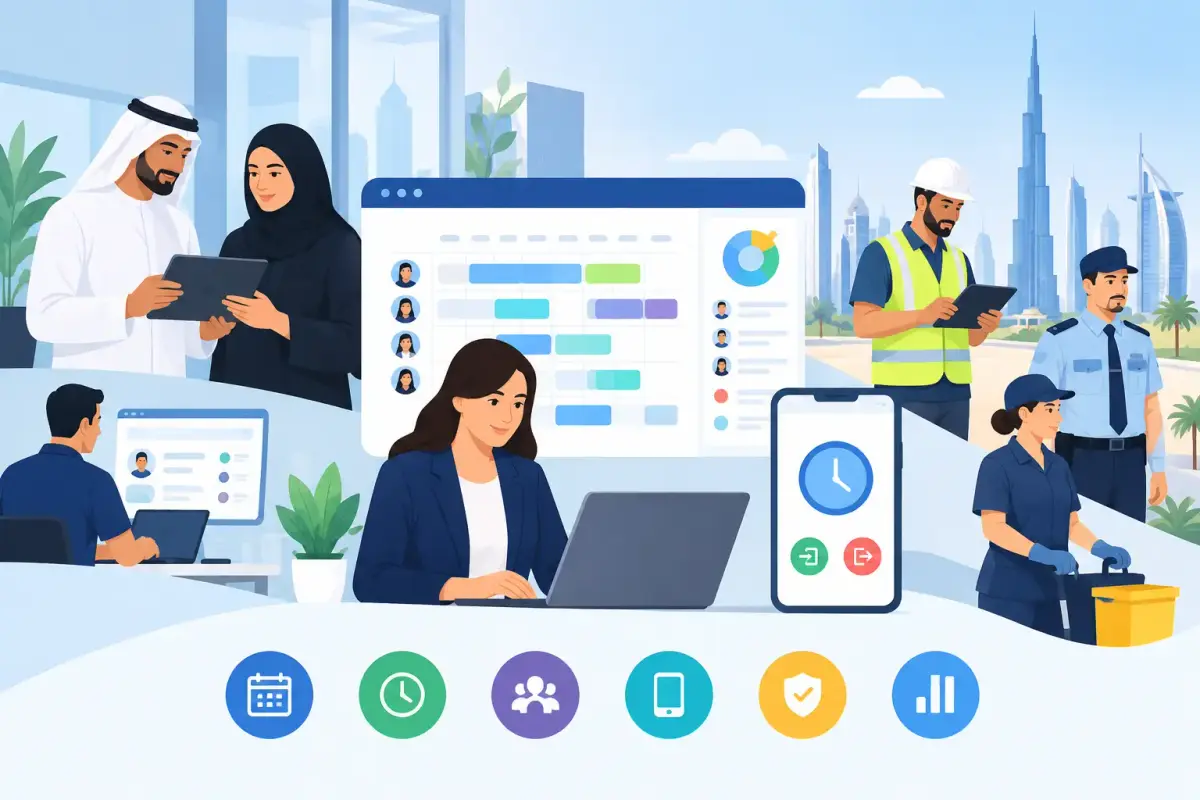
A missed shift is rarely just a missed shift. For a security company, it can leave a site uncovered. For a cleaning or maintenance business, it can delay a client commitment. For HR and payroll teams, it can create attendance disputes, overtime questions, and more manual corrections at month-end. The best workforce scheduling apps help teams prevent these issues before they reach payroll or operations.
For UAE and GCC businesses, scheduling software needs to do more than display a weekly roster. It should connect shifts to real attendance, manager approvals, employee self-service, overtime records, and payroll-ready data. The right choice depends on whether your workforce is office-based, site-based, or a combination of both.
What Makes a Workforce Scheduling App Worth Using?
A basic scheduling app lets a manager assign people to shifts. A useful workforce scheduling system gives managers confidence that the plan can actually be delivered. That means clear employee availability, shift rules, mobile access, notifications, and a reliable record of who worked, where they worked, and for how long.
For growing companies, the biggest value is often in removing the gaps between scheduling, attendance, leave, and payroll. When these processes sit in separate spreadsheets or tools, every change creates extra work. An approved leave request may not reach the scheduler. A swapped shift may not reach payroll. A field employee may clock in from the wrong location with no quick way to verify it.
The best platforms create one connected workflow. Managers can publish schedules, employees can view assignments on their phones, attendance can be captured against the assigned shift, and approved hours can move toward payroll with fewer manual adjustments.
8 Best Workforce Scheduling Apps to Consider
Different apps solve different scheduling problems. Rather than choosing based on feature count alone, assess how each option fits your workforce model, locations, approval structure, and payroll process.
1. Mowazaf
Mowazaf is built for SMEs, growing organizations, and operational workforces that need HR, attendance, shifts, timesheets, and payroll workflows in one simple platform. It is particularly relevant for businesses in the UAE, GCC, and MENA region that want local relevance without the complexity of a large enterprise system.
Managers can create fixed or variable shifts, manage leaves and attendance, track overtime, and approve timesheets through connected workflows. For field and site-based teams, mobile clock-in and clock-out, geofencing, and face recognition can provide stronger visibility into attendance at the point of work. Arabic and English support and UAE WPS payroll readiness also make it a practical option for organizations that need scheduling to feed into broader workforce operations.
2. Deputy
Deputy is a well-known scheduling and time-tracking option, especially for shift-based teams. It focuses on creating schedules, sharing updates with employees, monitoring time worked, and helping managers respond to last-minute changes.
It can be a good fit for businesses that primarily need a straightforward scheduling layer. Companies in the GCC should still check how easily it supports their local payroll processes, attendance requirements, and workforce rules before relying on it as a central system.
3. When I Work
When I Work is designed around employee scheduling, shift communication, and time tracking. Its mobile-first experience can work well for teams that need employees to quickly see schedules, request time off, or exchange shifts.
The trade-off is that a scheduling-focused tool may require additional systems for HR records, payroll, leave administration, and regional workforce management. That can be manageable for a small team, but it may create more reconciliation work as headcount and operational complexity increase.
4. Connecteam
Connecteam is often considered by companies with deskless or mobile workforces. It supports shift planning, employee communication, mobile time tracking, and task-related workflows, making it relevant for teams that spend most of their day away from a central office.
It can be useful when communication and field coordination are the main priority. Businesses should review whether its payroll and local attendance workflow capabilities match their requirements, particularly when multiple sites, overtime approvals, or payroll handoffs are involved.
5. Homebase
Homebase is commonly used by smaller shift-based businesses that need employee scheduling and time clocks. It is approachable for managers who are moving away from paper schedules or shared spreadsheets for the first time.
Its simplicity is a strength, but companies with more complex site operations, payroll needs, or regional requirements may outgrow a standalone scheduling tool. Consider the full administrative workload, not only the time needed to publish a schedule.
6. Sling
Sling provides employee scheduling, time tracking, availability management, and communication features. It can help managers avoid overlapping shifts, distribute schedules faster, and keep staff informed of changes.
For teams with relatively simple shift structures, this may be enough. For businesses that need verified field attendance, payroll-connected timesheets, detailed approval flows, or centralized HR data, it is worth checking what integrations or additional processes will be needed.
7. UKG Ready
UKG Ready combines workforce management functions that can include scheduling, timekeeping, and HR administration. It is often considered by organizations that want deeper workforce controls and have more formal operating structures.
The main consideration is implementation effort. A feature-rich system can be valuable for complex requirements, but it may demand more configuration, training, and administrative ownership than an SME needs. The best system is not the one with the longest feature list. It is the one your managers and employees will consistently use correctly.
8. Zoho People
Zoho People supports HR management functions, including attendance and leave workflows, and can suit businesses already using other Zoho products. It may appeal to office-based teams looking for a broader HR platform with scheduling-related capabilities.
Before selecting it for heavy-workforce operations, review how it handles rotating shifts, site-level attendance, mobile verification, overtime, and payroll data. These details matter more when hundreds of employees work across changing locations and schedules.
How to Choose Between the Best Workforce Scheduling Apps
Start with the actual point of failure in your current process. If schedules are accurate but employees arrive late or dispute their hours, attendance verification may be the priority. If supervisors spend hours making shift changes by phone and WhatsApp, mobile scheduling and notifications matter most. If finance repeatedly repairs attendance data before payroll, you need tighter workflow connections from shift assignment to approved time records.
For field-heavy businesses, ask more specific questions. Can employees clock in from approved locations? Can supervisors view attendance by site? Can the system handle fixed, rotating, and variable shifts? Can overtime be reviewed before it reaches payroll? Can employees submit requests and see their schedules without calling HR?
A practical evaluation should include these four areas:
- Scheduling flexibility: Support for recurring, rotating, split, fixed, and variable shifts as your operations require.
- Attendance accuracy: Mobile clocking, geofencing, face recognition, and clear exceptions for missed or late punches.
- Connected workflows: Leave, timesheets, overtime, approvals, and payroll data should not require repeated manual entry.
- Employee adoption: Employees and managers need a simple mobile and desktop experience in a language they understand.
Price also deserves a closer look than the monthly subscription figure. A low-cost scheduling tool can become expensive if HR manually exports hours, corrects attendance records, chases approvals, and re-enters payroll data every month. Consider the time saved across HR, finance, operations managers, and employees.
Avoid These Scheduling Mistakes
Do not treat scheduling as an isolated operations task. A roster that does not account for approved leave, attendance rules, site requirements, or overtime limits will create problems later. The schedule should become the starting point for a reliable workforce record, not another spreadsheet that must be reconciled.
Avoid buying software based only on the needs of office staff if most employees work on sites, in vehicles, or across client locations. A system that looks polished on a desktop may not solve real-world clock-in and supervisor visibility challenges.
Finally, involve the people who will use the platform every day. HR needs clean employee data and approval workflows. Operations needs fast schedule changes and site visibility. Finance needs trustworthy hours for payroll. Employees need a clear way to see shifts, submit requests, and correct genuine attendance exceptions. When these needs are connected, scheduling becomes far easier to manage.
The right scheduling app should give your team fewer calls, fewer spreadsheets, and fewer end-of-month surprises. Start with a real shift workflow, test it with the people closest to the work, and choose the system that makes accurate workforce management feel simple enough to use every day.