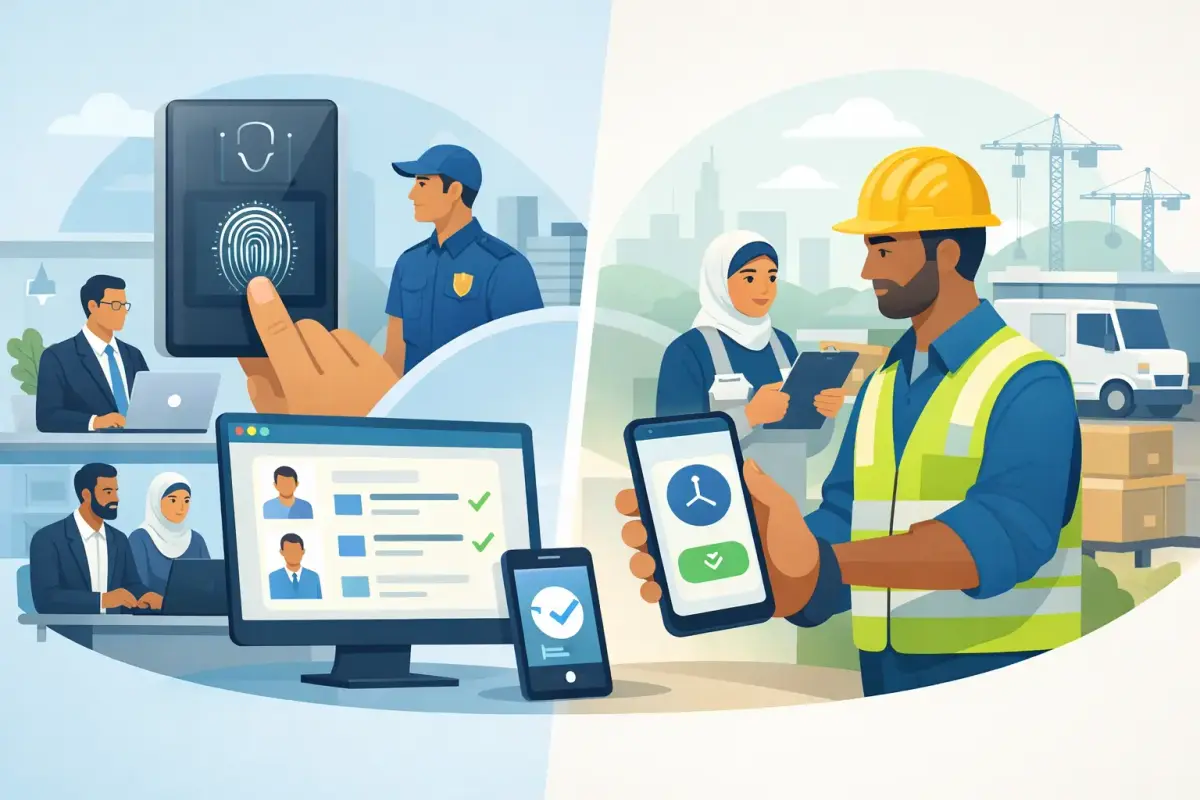
A missed punch at a construction site, a queue at the office clock-in device, and a payroll dispute over overtime may look like separate problems. They are usually attendance problems. When comparing biometric vs mobile attendance, the right choice depends less on the technology itself and more on where employees work, how shifts operate, and how attendance data reaches payroll.
For many growing companies, the question is not whether to choose one method forever. It is how to create an attendance process that gives managers reliable visibility without adding friction for employees or more manual work for HR.
Biometric vs Mobile Attendance: The Core Difference
Biometric attendance uses a physical device to confirm an employee's identity through a unique characteristic, commonly a fingerprint or face scan. Employees clock in and out at a fixed location, such as an office entrance, warehouse, accommodation, or project site.
Mobile attendance allows employees to clock in and out through a mobile app. It can use GPS location, geofencing, face recognition, device controls, and time-stamped records to verify that the employee was at an approved work location when they recorded attendance.
Both methods can improve on paper registers, Excel sheets, and verbal attendance updates. The difference is in the operating model. Biometric systems are built around a fixed point of work. Mobile attendance is built around a moving workforce.
When Biometric Attendance Works Best
A biometric device is often a practical option when most employees report to the same location at the same time. For example, an office, factory floor, warehouse, or fixed security post may have clear entry and exit points. A device at the gate can create a consistent attendance record before an employee begins work.
It also gives operations teams a visible control point. Employees know where to clock in, supervisors can monitor traffic at shift changes, and attendance does not depend on employees carrying a charged smartphone.
For businesses with a stable workplace and large shift groups, biometric attendance can feel familiar and straightforward. It is especially useful where management wants all employees to register from the same approved terminal.
The limits of a fixed device
The same control that makes biometrics useful can make it restrictive. A device only captures activity where it is installed. If employees move between client sites, work remotely, visit customers, or start work from different locations, managers may still need calls, messages, or manual updates to fill the gaps.
There is also an operational cost. Devices must be purchased, installed, maintained, connected, and replaced when needed. At busy shift times, a single device can create lines, while multiple entrances may require multiple terminals. Face or fingerprint recognition may also be affected by site conditions, device placement, lighting, protective gear, or changes in an employee's appearance.
Biometric data deserves careful handling as well. Companies should define a clear attendance policy, explain what data is collected, limit access, and use a system designed to protect employee information. The goal is reliable attendance, not unnecessary surveillance.
When Mobile Attendance Is the Better Fit
Mobile attendance is designed for teams that do not spend every day at one desk or one gate. It suits field technicians, cleaners, maintenance crews, security personnel, logistics staff, sales teams, supervisors, and project-based workforces that report across several sites.
An employee can clock in from an approved location at the start of a shift, while a manager sees the time, location, and attendance status without waiting for a paper sheet to return to head office. With geofencing, clock-ins can be limited to a defined area around a project site, client location, branch, or facility.
This changes the speed of daily operations. Site managers can review exceptions earlier, HR can see absence patterns sooner, and payroll teams receive structured attendance data instead of collecting records from separate supervisors.
More flexibility needs clear rules
Mobile attendance is not simply a clock-in button. To work well, it needs thoughtful configuration. A field employee may work at a client site, while an office employee may be allowed to clock in only from the office. A manager may need authority to correct a missed punch, but every correction should be recorded for review.
Companies should decide how location verification, face recognition, shift rules, break times, overtime, and approval workflows apply to each employee group. They should also prepare for real-life exceptions, including weak signal areas, battery issues, assigned off-site work, and employees who change locations during the day.
The best mobile setup balances control with practical operations. Requiring excessive checks can frustrate employees and supervisors. Too few controls can create disputes. Geofencing, face verification where appropriate, manager approvals, and clear audit trails create a more reliable middle ground.
Compare the Business Impact, Not Just the Clock-In Method
Choosing between biometric and mobile attendance should not be a hardware decision alone. Attendance feeds leave balances, lateness rules, overtime calculations, timesheets, approvals, payroll inputs, and workforce reporting. A low-cost device or app can become expensive if HR still has to clean data manually every month.
Consider these questions before making a decision:
- Where do employees actually begin and end their shifts?
- Do teams work at one location, several client sites, or a mix of office and field locations?
- How often do shift schedules, overtime rules, and work assignments change?
- Who reviews missed punches and attendance exceptions before payroll is processed?
- Can attendance records flow directly into timesheets and payroll calculations?
For a 40-person office with a single entrance, biometrics may be enough. For a facility management company with teams assigned across dozens of buildings, mobile attendance with location controls is usually more useful. For many businesses, the answer is a hybrid model: a biometric terminal for a central site and mobile clock-ins for supervisors, remote staff, and field teams.
Payroll Accuracy Is the Real Test
Attendance technology earns its value when it reduces payroll rework. If HR has to export device logs, chase managers for corrections, calculate overtime in spreadsheets, and manually adjust salary data, the process remains fragmented regardless of how employees clock in.
A connected HR and workforce management platform can turn attendance into an approved payroll input. Shift assignments, late arrivals, absences, overtime, timesheets, and approved adjustments can be reviewed in one place. This helps finance and HR identify exceptions before the payroll cycle is finalized, rather than discovering them after employees have been paid.
For UAE and GCC businesses, this is particularly valuable when workforces include fixed shifts, variable shifts, site assignments, and employee categories with different attendance rules. The system should support the way the business operates, including Arabic and English user experiences, rather than forcing teams to work around rigid settings.
What a Practical Attendance Setup Looks Like
The strongest attendance process is simple for employees and controlled for managers. Employees should know exactly where and when they can clock in. Managers should see who is present, late, absent, or working overtime without asking for separate updates. HR should receive approved information that is ready to support payroll processing.
Mowazaf brings mobile and desktop clock-in/out, geofencing, face recognition, flexible shifts, timesheets, approvals, overtime tracking, and payroll workflows into one localized platform. That means a growing company can use the attendance method that fits each workforce group while keeping records, approvals, and payroll data connected.
Before selecting a system, test it against a normal workday, not a product demo scenario. Ask how it handles a missed punch, a shift swap, an employee assigned to a new site, an overtime request, and a manager who is unavailable to approve a record. Those everyday moments reveal whether the process will reduce work or create more of it.
The best choice is the one your employees will use correctly, your managers can monitor quickly, and your payroll team can trust.