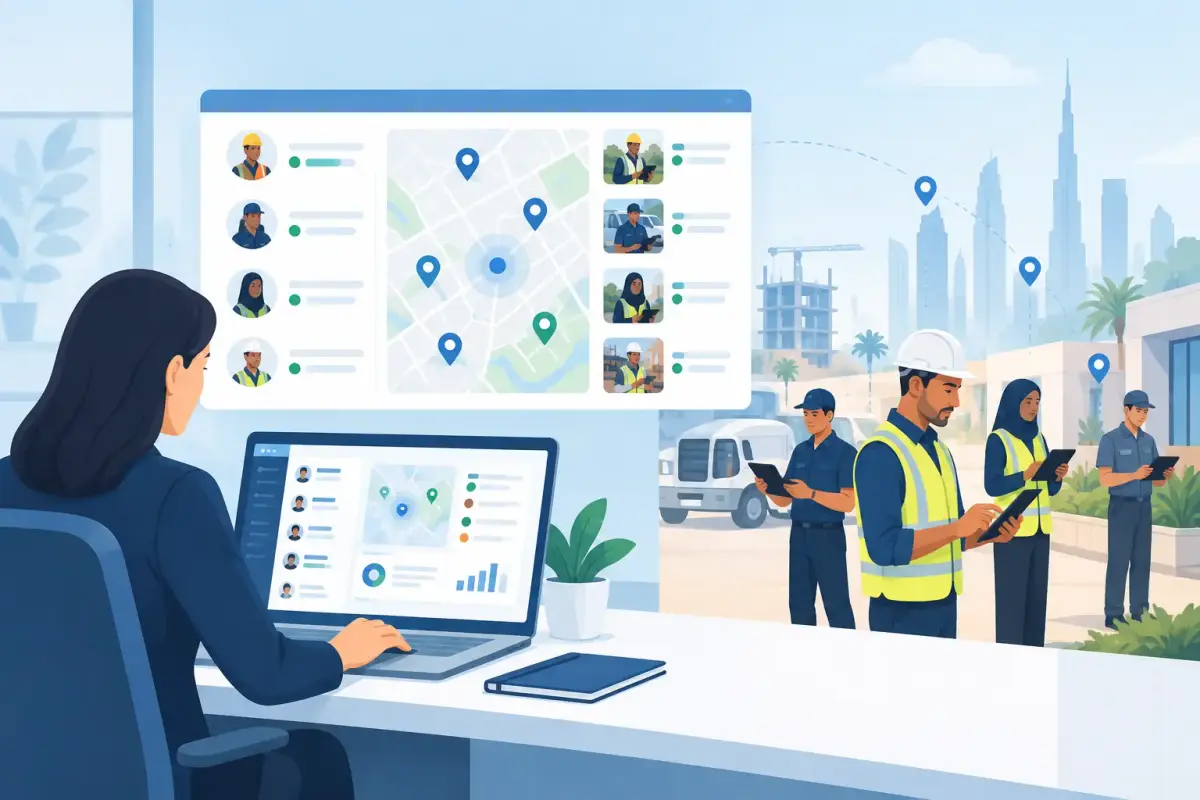
A field supervisor calls at 8:30 a.m. to ask whether a cleaning crew arrived at a client site. Payroll is waiting on handwritten timesheets from a maintenance team. An employee disputes an overtime record because nobody can confirm when the shift actually ended. These are not isolated admin issues. They create payroll delays, billing questions, unhappy clients, and unnecessary pressure on operations.
Knowing how to monitor field teams means building visibility into work without turning every manager into a full-time tracker. The goal is not to watch people constantly. It is to confirm attendance, location, assigned shifts, completed hours, and exceptions with reliable data that supports fast decisions.
Start with the outcomes you need to see
Field teams do not all need the same level of monitoring. A security company may need real-time confirmation that guards are present at fixed posts. A maintenance business may need to know which technician is assigned to which job and how long the visit took. A logistics or construction operation may focus on site attendance, shift coverage, overtime, and workforce allocation.
Before choosing tools or policies, define the operational questions managers need answered each day. Usually, these include who is on site, who is late or absent, whether a shift is fully staffed, where time is being spent, and which records need approval before payroll closes.
This step prevents a common mistake: collecting more data than anyone can use. If managers receive a stream of location updates but cannot quickly identify missed shifts or unapproved overtime, the process has added noise rather than control.
Use mobile attendance as the operational baseline
For distributed teams, mobile clock-in and clock-out is often the most practical starting point. It replaces calls, paper registers, and end-of-week memory with a timestamped attendance record that employees and managers can access from the field.
The best process is simple for employees: open the mobile app, clock in when the shift starts, and clock out when it ends. For managers, the value is a central view of attendance exceptions rather than a manual chase for every employee's status.
Mobile attendance works especially well when workers move between sites or start shifts away from a head office. It also gives HR and finance a cleaner foundation for timesheets, overtime review, leave records, and payroll preparation.
That said, mobile attendance should fit the reality of the workforce. Some sites have weak connectivity, shared devices, or workers who need a quick onboarding process in Arabic and English. Choose a system that is straightforward enough to use consistently, because a feature that field staff avoid will not improve accuracy.
Add geofencing where location matters
Geofencing creates a virtual boundary around an approved work location. When an employee clocks in or out, the system can confirm whether the action happened within that designated area. It is useful for fixed client sites, project locations, warehouses, buildings, and recurring service points.
This adds context to attendance records. A clock-in tells you when someone started. A geofenced clock-in can also help confirm that the employee was at the correct site.
Geofencing is not the right answer for every role. Sales staff who travel across a territory, technicians responding to changing jobs, and delivery teams may need more flexible location settings. In those cases, use approved assignments, job-based timesheets, or manager review instead of forcing every employee into a fixed site boundary.
The principle is simple: apply location controls where they solve a real operational problem. Explain the purpose clearly to employees so monitoring is seen as a fair attendance process, not a lack of trust.
Use face recognition for stronger attendance verification
Where buddy punching or shared devices are a concern, face recognition can provide another layer of attendance verification. This is particularly helpful for large teams working on shifts, where supervisors cannot personally verify every clock-in.
It should be implemented with clear internal policies, appropriate employee communication, and an alternative process for genuine exceptions. Technology should reduce disputes, not create new ones. When a verification issue occurs, managers need a simple way to review and correct the record with proper approval.
Connect shifts, sites, and timesheets
Attendance alone does not show whether operations are properly covered. To monitor field teams effectively, connect each employee to a shift, location, supervisor, or job assignment. This gives managers a meaningful operational picture: not just who clocked in, but whether the right people are covering the right work.
For example, a facility management company might assign employees to morning, afternoon, and overnight shifts across several client sites. If one employee is absent, the manager should immediately see the coverage gap and reassign a qualified team member. Without connected shift data, the same issue may only surface when a client complains.
Timesheets add another useful layer for roles where hours vary by task, project, or customer. Employees can submit time against the work completed, while managers review regular hours, breaks, overtime, and exceptions before the records move to payroll.
Keep these workflows short. A field employee should not have to complete a long form after every shift. Capture the information needed for operations and payroll, then automate the rest through templates, approvals, and clear rules.
Manage exceptions, not every movement
A practical monitoring process is exception-based. Managers should not spend their day checking each employee's location or manually comparing every timesheet. They need alerts and dashboards that bring attention to what requires action.
Useful exceptions include late clock-ins, missed clock-outs, absences, out-of-geofence attendance attempts, unapproved overtime, incomplete timesheets, and shifts with insufficient staffing. When these appear in one place, supervisors can resolve issues while they are still manageable.
This approach also protects manager time. Instead of producing daily status reports from spreadsheets, operations teams can focus on service delivery, client needs, and workforce planning. HR and finance receive cleaner records earlier, reducing the last-minute corrections that often delay payroll.
Build approvals into the workflow
Monitoring becomes reliable when there is a clear path from attendance capture to manager approval and payroll processing. If supervisors approve timesheets through chat messages, email chains, or paper forms, there is no dependable audit trail and exceptions are easily missed.
Set approval responsibilities by team, site, or department. A site supervisor may verify daily attendance, while an operations manager approves overtime and HR reviews final records before payroll. The exact structure depends on the organization, but each step should have a named owner and a deadline.
Automated reminders help prevent bottlenecks. For example, managers can be notified when a timesheet is pending, and employees can be prompted to correct a missed clock-out. This is much more effective than waiting until payroll week to discover incomplete records.
A centralized workforce platform such as Mowazaf can bring mobile attendance, geofencing, face recognition, shifts, timesheets, approvals, leave, and payroll inputs into one workflow. For UAE and GCC businesses, this reduces the handoffs between field operations, HR, and finance while supporting more accurate payroll preparation and UAE WPS payroll requirements.
Set transparent rules that employees understand
Even the best system will fail if field teams do not understand what is expected. Employees should know when they need to clock in, which site or shift they are assigned to, what happens when a device or connection fails, and how to report an incorrect record.
Make the rules consistent, but allow reasonable exceptions. A technician may be called to an urgent site before a scheduled shift. A worker may forget to clock out after an unusually long day. The system should allow managers to document and approve valid changes without making every correction a complex HR task.
Transparency also improves adoption. Explain that accurate attendance helps employees receive correct pay, supports fair overtime decisions, and prevents disputes about hours worked. Monitoring works best when it supports accountability on both sides.
Review trends, not just daily records
Daily visibility keeps operations moving, but weekly and monthly reporting reveals bigger workforce issues. Repeated lateness at one site may point to transport challenges or unrealistic shift start times. Frequent overtime in a department may indicate understaffing. A high number of missed clock-outs may show that the mobile process needs clearer training.
Use reports to identify patterns and improve scheduling, staffing, and approvals. Avoid treating every metric as a performance judgment. Attendance data is useful, but it needs operational context. A team with high overtime may be handling a temporary client demand, while a low-hours team may have been affected by delayed project access.
The most effective field monitoring feels almost invisible when it is working well. Employees complete a simple attendance process, managers see exceptions early, and HR and payroll receive records they can trust. That is how visibility becomes a practical advantage instead of another layer of administration.