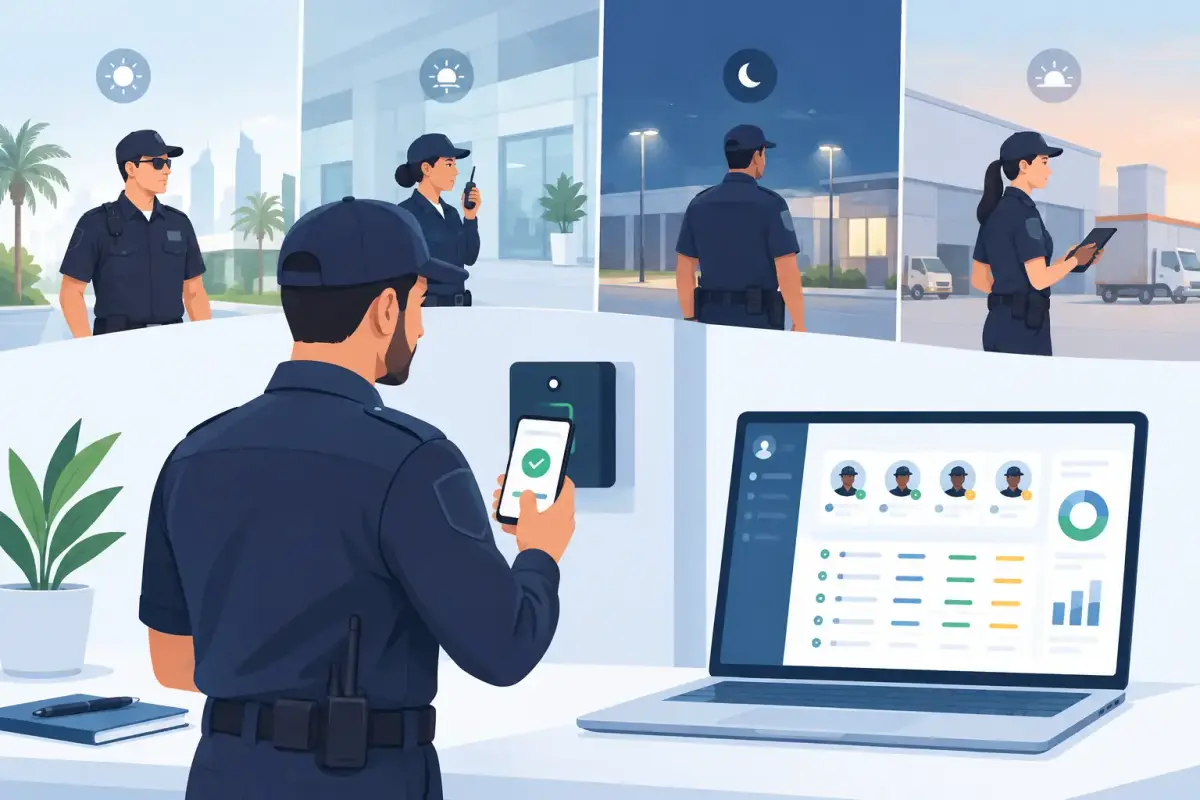
A missed clock-out at a residential tower, an unapproved replacement at a construction gate, and a handwritten overtime note can quickly turn payroll into a dispute. A clear security guard attendance example shows operations, HR, and finance exactly who worked, where they worked, when their shift began and ended, and whether the recorded hours were approved.
For security companies, attendance is not only an HR record. It is proof of site coverage, a basis for overtime calculations, and a daily operational control. The right format needs to capture more than a name and a signature, especially when guards move between sites, work rotating shifts, or cover last-minute absences.
What a Security Guard Attendance Record Should Show
A useful attendance record connects the guard, the assigned location, and the actual shift worked. It should make exceptions easy to spot without forcing managers to review a stack of paper registers.
At a minimum, record the employee ID, guard name, site or post, scheduled shift, actual clock-in and clock-out times, total worked hours, overtime, attendance status, and supervisor approval. If the team uses mobile attendance, the record can also include the verified location and clock-in method, such as mobile app, kiosk, biometric device, or face recognition.
This detail matters because a guard may be present at the right time but at the wrong site. A simple attendance sheet cannot always reveal that difference. For site-based operations, location validation and shift assignment create a more reliable picture of coverage.
Security Guard Attendance Example
The example below shows a practical daily attendance view for a small security team. It can be used as the structure for a spreadsheet, but it works best when the data is captured automatically through an attendance system.
| Date | Guard | Employee ID | Site/Post | Scheduled Shift | Clock-In | Clock-Out | Worked Hours | OT | Status | Supervisor Approval | |---|---|---|---|---|---|---|---:|---:|---|---| | May 12 | Ahmed Khalid | SG-104 | Marina Tower Lobby | 7:00 AM - 7:00 PM | 6:55 AM | 7:08 PM | 12.22 | 0.22 | Present | Approved | | May 12 | Omar Saleh | SG-117 | Warehouse Gate 2 | 7:00 AM - 7:00 PM | 7:03 AM | 7:00 PM | 11.95 | 0.00 | Present | Approved | | May 12 | Faisal Noor | SG-123 | Business Park Patrol | 7:00 PM - 7:00 AM | 6:48 PM | 7:15 AM | 12.45 | 0.45 | Present | Pending | | May 12 | Rami Hassan | SG-131 | Marina Tower Parking | 7:00 AM - 7:00 PM | - | - | 0.00 | 0.00 | Absent | Reviewed | | May 12 | Bilal Khan | SG-142 | Warehouse Gate 2 | Relief shift | 10:58 AM | 7:02 PM | 8.07 | 0.00 | Replacement | Approved |
This format immediately highlights the decisions that need attention. Faisal’s extra time may be legitimate because of a delayed handover, but it should be approved before it reaches payroll. Rami’s absence requires a coverage check, while Bilal’s relief shift should be tied to the correct site and cost center.
The exact overtime calculation depends on company policy, shift rules, breaks, and payroll setup. The goal is not to treat every extra minute as payable overtime. The goal is to record the exception accurately, route it for approval, and apply the company’s defined rules consistently.
How to Use This Attendance Example in Daily Operations
The attendance record becomes valuable when it supports a repeatable process. Start by publishing fixed, rotating, or variable shifts before the workday begins. Each guard should know their post, shift start time, expected end time, and reporting manager.
At clock-in, record the actual time and validate that the guard is at the assigned location where appropriate. Geofencing can help confirm mobile clock-ins from a designated site area, while face recognition can add another layer of verification for businesses that need it. The right method depends on the site, connectivity, device availability, and workforce size.
During the shift, supervisors should be able to see exceptions rather than manually checking every attendance line. Late arrivals, early departures, missed clock-outs, absences, and unplanned replacements are the items that need action. A manager can then correct a missed clock-out with a reason, approve additional hours, or request clarification before the attendance period closes.
At the end of the payroll cycle, approved attendance data should flow into timesheets and payroll calculations. This reduces repeated data entry and helps finance teams avoid working from different versions of the same spreadsheet.
Why Paper Registers Create Gaps
Paper attendance registers are familiar, but they create practical problems for security operations. A signature may confirm that a person wrote their name, yet it does not reliably confirm the time, exact location, or whether the guard completed the full shift. Registers can also be completed later, misplaced between sites, or entered incorrectly into payroll files.
Spreadsheets improve visibility, but they still depend on manual updates. When several supervisors submit files from multiple locations, HR often spends hours reconciling names, shifts, leave records, replacements, and overtime. By the time an error is found, payroll may already be under review.
Digital attendance creates a single source of record. That does not eliminate the need for manager judgment. Guards may have genuine reasons for an exception, such as a late relief guard or a site incident. It simply gives managers the information and approval trail needed to make that judgment quickly.
Build Rules Around Real Security Shift Patterns
Security teams rarely operate on a simple 9-to-5 schedule. A practical attendance setup should support day and night shifts, split shifts, 12-hour schedules, rotating rosters, relief coverage, and work across multiple locations.
For example, a night shift that begins at 7:00 PM and ends at 7:00 AM must be recorded against the correct shift period rather than appearing as an early departure on one day and a late arrival on the next. Likewise, a guard assigned to two short posts in one day may need separate site-level records, even if their overall hours are calculated together.
Break handling also needs a clear policy. Some businesses schedule unpaid breaks automatically, while others require a recorded break start and end. Neither approach is right for every operation. What matters is that the rule is visible, consistently applied, and understood by supervisors and employees.
Turn Attendance Data Into Better Site Control
A well-designed security guard attendance example is more than a template. It becomes a way to identify recurring operational issues. If one site has frequent late clock-ins, management can investigate handover timing, transportation, scheduling, or supervisor coverage. If overtime appears repeatedly at another site, the staffing plan may need adjustment.
Attendance data can also help compare scheduled staffing with actual coverage. This is particularly useful for facility management, logistics, construction, and property security providers managing several client sites at once. Rather than relying on calls and handwritten updates, operations teams can review current attendance status from one central view.
Mowazaf helps security and other field-workforce businesses manage mobile clock-in and clock-out, geofencing, face recognition, flexible shifts, approvals, overtime tracking, and payroll-ready attendance records in one system. Arabic and English support also helps teams work comfortably across diverse workforces.
The best attendance process is not the one with the most columns. It is the one that makes it easy for guards to record time correctly, managers to handle exceptions promptly, and payroll teams to work from approved data. Start with a clear record like this, then automate the parts that create delays, disputes, and unnecessary rework.